
12 Best ChatGPT Alternatives in 2026 (Free & Paid Options Tested)
ChatGPT changed how the world interacts with AI. It’s fast, versatile, and backed by the largest ecosystem of plugins and integrations on the market.
But here’s the thing — in 2026, it’s no longer the only player worth your attention.
Maybe you’re frustrated with ChatGPT Plus usage limits that kick in right when you need it most. Maybe you’re tired of paying $20/month for features you barely use. Or perhaps you’ve noticed that ChatGPT’s writing has started to feel… formulaic.
Whatever the reason, the AI assistant landscape has exploded. Claude writes better prose and crushes coding benchmarks. Perplexity delivers sourced research that ChatGPT’s web browsing can’t match. DeepSeek gives you frontier-quality AI for literally zero dollars. And Gemini lives inside the Google apps you already use every day.
We spent weeks testing 12 ChatGPT alternatives across writing, coding, research, and everyday productivity. Some of these tools don’t just match ChatGPT — they genuinely outperform it.
Here’s the short version:
- Best overall: Claude — superior writing, coding, and analysis quality
- Best free option: DeepSeek — frontier-quality AI with no cost
- Best for research: Perplexity AI — every answer includes sources and citations
Let’s break down all 12 options so you can pick the right one for how you actually work.
1. Claude by Anthropic — Best Overall ChatGPT Alternative
Price: Free / $20 per month (Pro) Best for: Writing, coding, long-form analysis, complex instructions Our rating: ⭐ 9.5/10
If you’re only going to try one ChatGPT alternative, make it Claude. Anthropic’s flagship model — currently Opus 4.6 — has earned the #1 spot on Chatbot Arena and consistently outperforms ChatGPT in writing quality, coding accuracy, and the ability to follow nuanced, multi-step instructions.
It gets better. Claude scored 92.1% on HumanEval — the highest coding benchmark score among all major AI models in 2026. And with Claude Code, you get an agentic coding tool that can handle multi-file refactoring and autonomous software development.
What We Like
- ✅ Superior writing quality. Claude produces cleaner, more natural prose. No robotic patterns, no filler phrases, no “certainly!” on every response.
- ✅ Massive context window. 200K tokens means you can drop entire documents, codebases, or books and get coherent analysis back.
- ✅ Extended Thinking mode. For complex problems, Claude thinks step-by-step before answering — similar to OpenAI’s o1 but built directly into the main model.
- ✅ Claude Code. A dedicated agentic coding tool for multi-file refactoring, debugging, and autonomous development tasks.
What Could Be Better
- ❌ Usage limits can be restrictive during heavy sessions (especially on Opus)
- ❌ No native image generation capability
- ❌ Smaller plugin/integration ecosystem compared to ChatGPT
- ❌ No built-in voice mode for conversations
Pricing
| Plan | Price | Key Features |
|---|---|---|
| Free | $0 | Claude Sonnet, limited daily messages |
| Pro | $20/mo | Opus 4.6, Extended Thinking, 5x more usage |
| Team | $25/user/mo | Admin controls, higher limits, workspace |
| Enterprise | Custom | SSO, audit logs, unlimited usage |
Who Should Use Claude?
Writers, developers, analysts, and anyone who works with long documents or complex multi-step instructions. If you value output quality over feature quantity, Claude is your best bet in 2026.
2. Google Gemini — Best for Google Workspace Users
Price: Free / $19.99 per month (Google AI Pro) Best for: Multimodal tasks, Google ecosystem integration, real-time information Our rating: ⭐ 9.2/10
Google Gemini has come a long way since its rocky launch. In 2026, the Gemini 3.1 Pro model holds the top Intelligence Index position across 115 models, scoring an impressive 94.3% on GPQA Diamond for scientific reasoning.
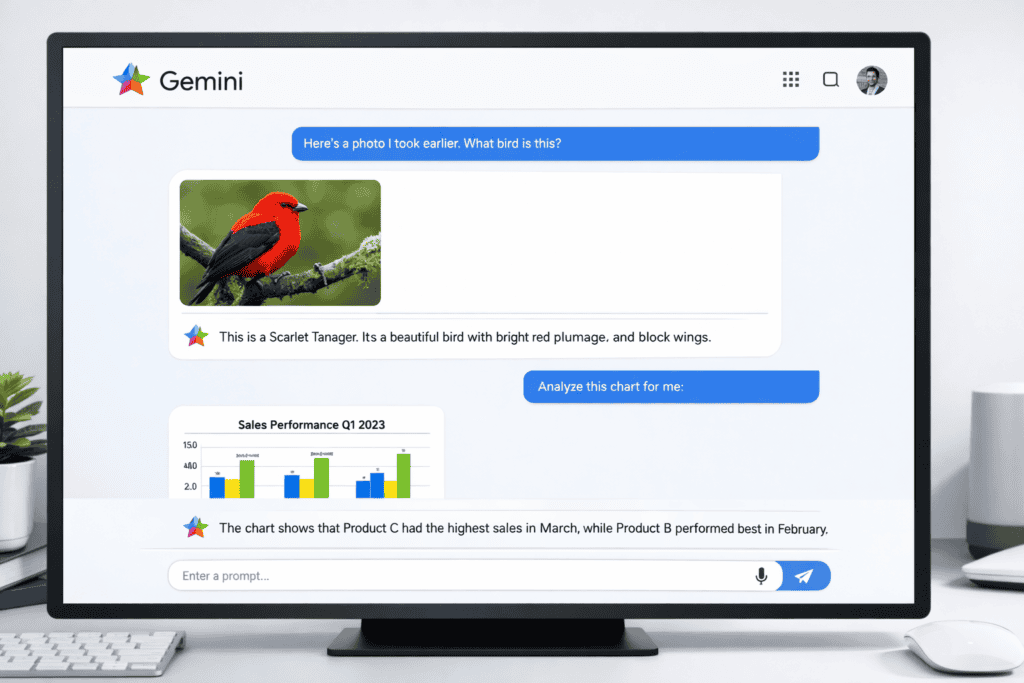
But wait — the real killer feature isn’t raw intelligence. It’s integration. Gemini works natively inside Gmail, Docs, Sheets, Drive, and Slides. If your daily workflow revolves around Google Workspace, this is the ChatGPT alternative that meets you exactly where you already work.
What We Like
- ✅ Deep Google integration. Works natively inside Gmail, Docs, Sheets, Drive, and Slides — no copy-pasting between apps.
- ✅ 1 million+ token context window. One of the largest practical context windows among mainstream chatbots.
- ✅ Multimodal from day one. Handles text, images, audio, and video seamlessly in a single conversation.
- ✅ Most generous free tier. Over 1,000 requests per day with minimal throttling — the most generous of any major AI.
What Could Be Better
- ❌ Writing quality doesn’t match Claude for nuanced, creative tasks
- ❌ Occasional inconsistencies in very long conversations
- ❌ The “Google AI Pro” branding is confusing (it’s essentially Gemini Advanced)
Pricing
| Plan | Price | Key Features |
|---|---|---|
| Free | $0 | Gemini Flash, generous daily limits |
| Google AI Pro | $19.99/mo | Gemini 3.1 Pro, 1M context, Workspace integration |
| Google One AI Premium | $19.99/mo | Same as above + 2TB storage |
| Enterprise | Custom | Admin controls, data residency, compliance |
Who Should Use Gemini?
Anyone heavily invested in Google’s ecosystem. If you use Gmail, Google Docs, and Google Drive daily, Gemini Advanced is a no-brainer at $19.99/month. Also excellent for users who need real-time search and massive context windows.
3. Perplexity AI — Best for Research With Citations
Price: Free / $20 per month (Pro) Best for: Fact-checking, academic research, sourced answers Our rating: ⭐ 9.1/10
Perplexity isn’t trying to replace ChatGPT — and that’s exactly why it’s so good at what it does. Think of it as an AI-powered research assistant that always shows its work.
Every single answer comes with numbered citations linking to the original sources. No more wondering “did the AI just make this up?” You can verify everything in seconds.
What We Like
- ✅ Every answer includes citations. Numbered sources so you can verify every claim — a massive trust advantage over ChatGPT.
- ✅ Real-time web search baked in. Unlike ChatGPT’s inconsistent browsing, Perplexity’s search is core to its DNA.
- ✅ Focus modes. Switch between Academic, Writing, Math, or other modes to tailor responses to your specific need.
- ✅ Clean, distraction-free interface. No bells and whistles — just fast, accurate, sourced answers.
What Could Be Better
- ❌ Not designed for creative writing or brainstorming
- ❌ Limited conversational memory in the free tier
- ❌ Can sometimes over-rely on a single source
- ❌ No image generation or voice features
Pricing
| Plan | Price | Key Features |
|---|---|---|
| Free | $0 | 5 Pro searches/day, unlimited quick searches |
| Pro | $20/mo | 600+ Pro searches/day, file upload, advanced models |
| Enterprise | Custom | Team features, API access, SSO |
Who Should Use Perplexity?
Students, journalists, researchers, content creators, and anyone who needs accurate, verifiable information fast. If you’ve ever spent time fact-checking ChatGPT’s answers, Perplexity eliminates that entire step.
4. DeepSeek — Best Free Alternative
Price: Completely free (web app) / API ~$0.10–$0.14 per million tokens Best for: Budget-conscious users, coding, advanced reasoning Our rating: ⭐ 9.0/10
Here’s the thing about DeepSeek — it offers near-frontier AI quality for essentially zero cost. The web app is completely free with no usage limits, and the API costs 94–97% less than OpenAI’s equivalent.
That’s not a typo. You’re getting AI quality that rivals GPT-5 and Claude for free.
What We Like
- ✅ Completely free web interface. No sign-up fees, no usage caps, no premium tier needed for the main model.
- ✅ Mixture of Experts (MoE) architecture. Incredibly efficient — high-quality outputs without the massive computational cost.
- ✅ Strong coding performance. Consistently ranks near the top on coding benchmarks, rivaling Claude and GPT-5.
- ✅ Open-source model. Download and run it locally if privacy is a concern.
What Could Be Better
- ❌ Chinese company — some users have data privacy concerns
- ❌ Writing quality doesn’t match Claude for creative/nuanced tasks
- ❌ No native multimodal capabilities in the chat interface
- ❌ Smaller ecosystem and fewer integrations than Western competitors
Pricing
| Plan | Price | Key Features |
|---|---|---|
| Web App | $0 | Full model access, no limits |
| API | ~$0.14/M tokens | 94-97% cheaper than OpenAI |
| Self-hosted | Free | Run locally, full data control |
Who Should Use DeepSeek?
Developers who want a powerful free coding assistant, students on a budget, and anyone who wants to experiment with frontier AI without spending a single dollar. If cost is your primary concern, DeepSeek is the clear winner.
5. Microsoft Copilot — Best for Office 365 Users
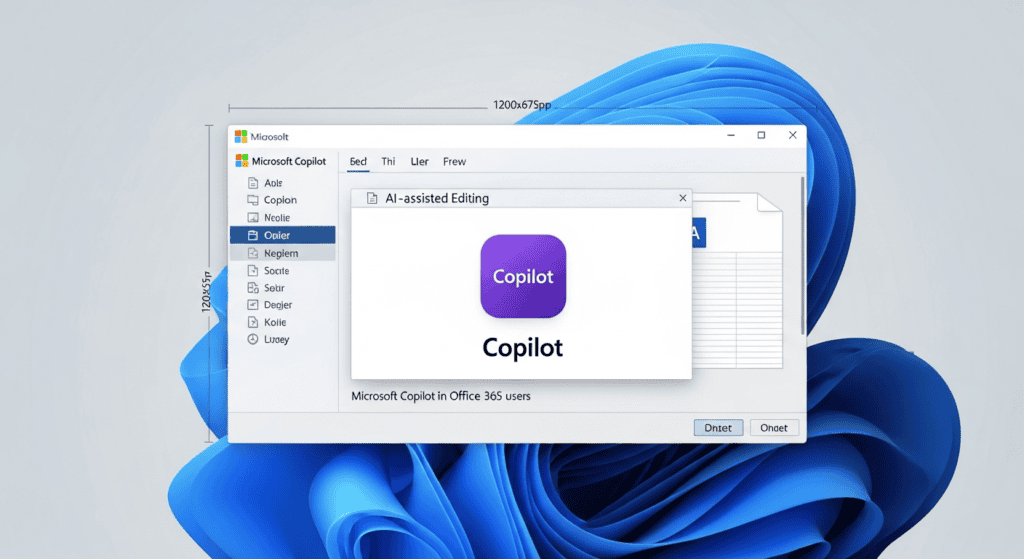
Price: Free tier / $30 per user per month (Microsoft 365 Copilot) Best for: Microsoft 365 integration, enterprise productivity Our rating: ⭐ 8.7/10
If your work revolves around Excel, Word, PowerPoint, and Outlook, Microsoft Copilot is the ChatGPT alternative that meets you where you already work. It’s powered by OpenAI’s models but wrapped in Microsoft’s enterprise infrastructure.
What We Like
- ✅ Native Microsoft 365 integration. Generate formulas in Excel, draft emails in Outlook, create presentations in PowerPoint — all with AI built directly into the apps.
- ✅ Powered by OpenAI models. You’re getting GPT-level quality with Microsoft’s enterprise security and compliance.
- ✅ Enterprise-grade security. Your data stays within Microsoft’s cloud compliance framework — critical for businesses.
- ✅ Free tier available. Basic Copilot chat includes web search and image generation at no cost.
What Could Be Better
- ❌ Premium pricing at $30/user/month for full 365 integration
- ❌ General chat quality doesn’t quite match Claude or standalone ChatGPT
- ❌ Can feel clunky outside of Microsoft apps
- ❌ Limited customization options compared to other tools
Pricing
| Plan | Price | Key Features |
|---|---|---|
| Free | $0 | Basic chat, web search, image generation |
| Copilot Pro | $20/mo | Priority access to latest models, Office integration |
| Microsoft 365 Copilot | $30/user/mo | Full enterprise suite integration |
Who Should Use Copilot?
Business professionals and teams already paying for Microsoft 365. The integration value is significant if you’re creating documents, spreadsheets, and presentations daily.
6. Grok by xAI — Best for Real-Time Trends
Price: Free tier / $30 per month (SuperGrok) Best for: Real-time news, X (Twitter) data analysis, massive documents Our rating: ⭐ 8.6/10
Elon Musk’s AI venture has produced something genuinely unique. Grok’s killer feature? A 2 million token context window — the largest of any mainstream AI model in 2026. That’s twice the size of Gemini and ten times larger than Claude’s standard window.
Combine that with always-on access to X (Twitter) data, and you’ve got the only AI that can analyze real-time public sentiment at scale.
What We Like
- ✅ 2 million token context window. The largest available — perfect for analyzing massive documents, codebases, or datasets in a single conversation.
- ✅ Real-time X (Twitter) integration. The only AI with always-on access to X’s data for trending topics and public sentiment.
- ✅ Unfiltered personality. More willing to engage with edgy topics and humor than other AI assistants.
- ✅ Strong reasoning capabilities. Grok 4 series has made significant leaps in logical and mathematical reasoning.
What Could Be Better
- ❌ SuperGrok pricing is steep at $30/month — most expensive paid tier
- ❌ Writing quality is inconsistent compared to Claude
- ❌ Heavy reliance on X data can introduce bias
- ❌ Smaller general ecosystem and fewer integrations
Pricing
| Plan | Price | Key Features |
|---|---|---|
| Free | $0 | Basic Grok, limited daily messages |
| X Premium+ | $16/mo | Grok access via X subscription |
| SuperGrok | $30/mo | Full Grok 4, 2M context, unlimited usage |
Who Should Use Grok?
Social media professionals, journalists tracking trending stories, market researchers, and anyone who needs to process very large documents. The 2M token context window is genuinely unmatched.
7. Mistral Le Chat — Best for EU Privacy & Speed
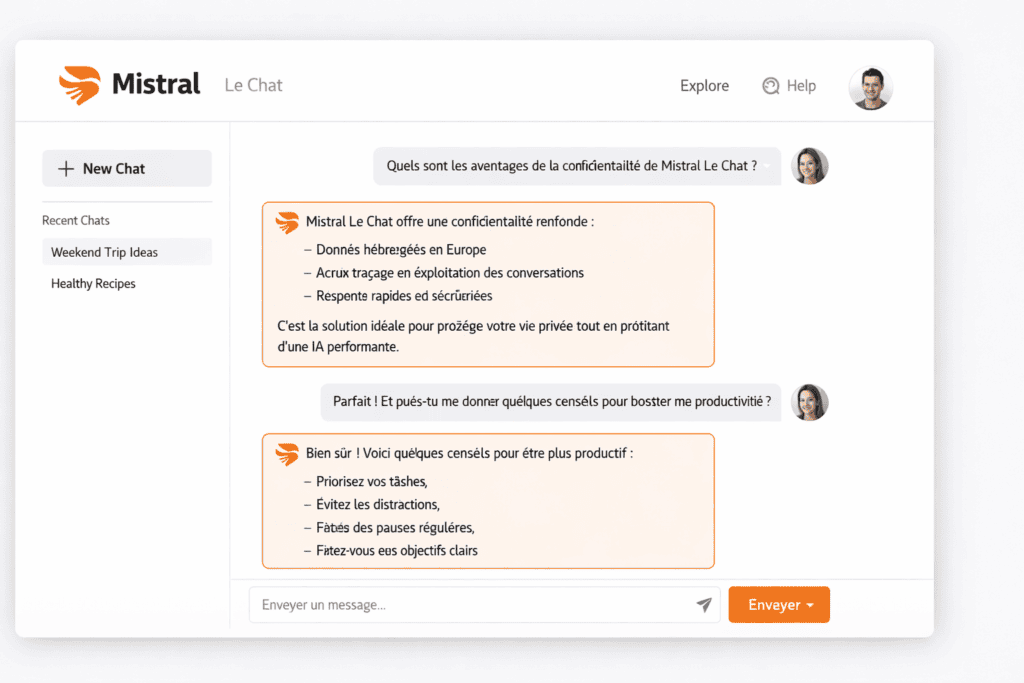
Price: Free / $14.99 per month (Le Chat Pro) Best for: European users, privacy-focused workflows, fast responses Our rating: ⭐ 8.5/10
Mistral is the most underrated tool on this entire list. This French AI company offers GDPR-compliant AI at a price point that undercuts every single competitor.
And here’s what surprised us most — in our testing, Le Chat consistently returned answers faster than any other tool on this list. Speed demons, take note.
What We Like
- ✅ GDPR-compliant by design. Data stays on EU-based servers. Mistral doesn’t train on your conversations.
- ✅ Fastest response times. Consistently the quickest to respond in our head-to-head testing.
- ✅ Cheapest paid plan. At $14.99/month, it’s significantly less than ChatGPT, Claude, or Gemini.
- ✅ Open-source models available. Self-host Mistral’s open-weight models for complete data sovereignty.
What Could Be Better
- ❌ Smaller context window than the market leaders
- ❌ Writing quality is good but not Claude-level for creative tasks
- ❌ Limited integrations and plugin ecosystem
- ❌ Less brand recognition means fewer community resources and tutorials
Pricing
| Plan | Price | Key Features |
|---|---|---|
| Free | $0 | Le Chat with Mistral models, generous limits |
| Le Chat Pro | $14.99/mo | Priority access, advanced models, larger context |
| API | Pay-as-you-go | Competitive token pricing |
| Self-hosted | Free | Full data control with open-weight models |
Who Should Use Mistral?
European users who need GDPR compliance, speed-focused professionals who can’t stand waiting for responses, and budget-conscious users who want a capable paid plan for under $15/month.
8. Poe — Best for Trying Multiple Models
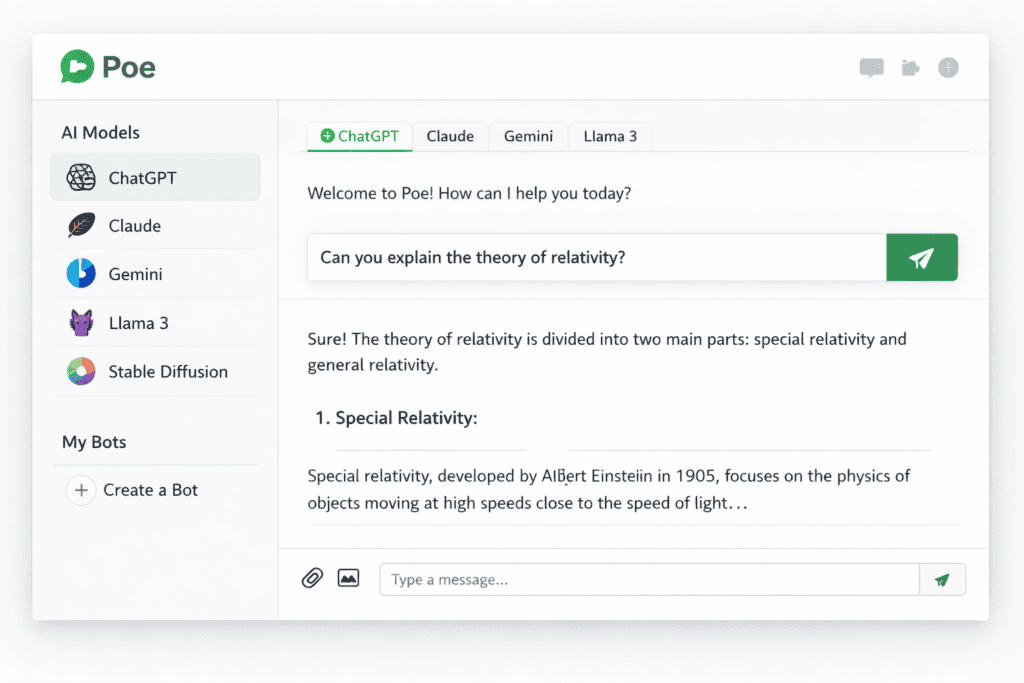
Price: Free / $19.99 per month Best for: Testing different AI models, flexibility, power users Our rating: ⭐ 8.3/10
Can’t decide which AI to commit to? Poe solves that problem. Built by Quora, it gives you access to multiple models — including GPT-4o, Claude, Gemini, Llama, and dozens more — all in a single interface with one subscription.
What We Like
- ✅ Multi-model access. Switch between ChatGPT, Claude, Gemini, Llama, and dozens of other models without separate subscriptions.
- ✅ Custom bots. Create specialized AI assistants by combining different models with custom system prompts.
- ✅ One subscription, many tools. At $19.99/month, you access premium versions of multiple frontier models.
- ✅ Great for comparison. Ask the same question to different models side-by-side and see which performs best.
What Could Be Better
- ❌ You don’t get the full feature set of each model (no Claude Code, no Gemini Workspace integration)
- ❌ Can feel overwhelming with too many options
- ❌ Usage limits per model on the free tier are tight
Pricing
| Plan | Price | Key Features |
|---|---|---|
| Free | $0 | Limited daily messages across all models |
| Subscriber | $19.99/mo | Higher limits, access to premium models |
Who Should Use Poe?
Power users who want to compare models side-by-side, and anyone who isn’t sure which single AI assistant to commit to yet. Think of it as a “buffet” of AI models.
9. HuggingChat — Best Free Open-Source Option
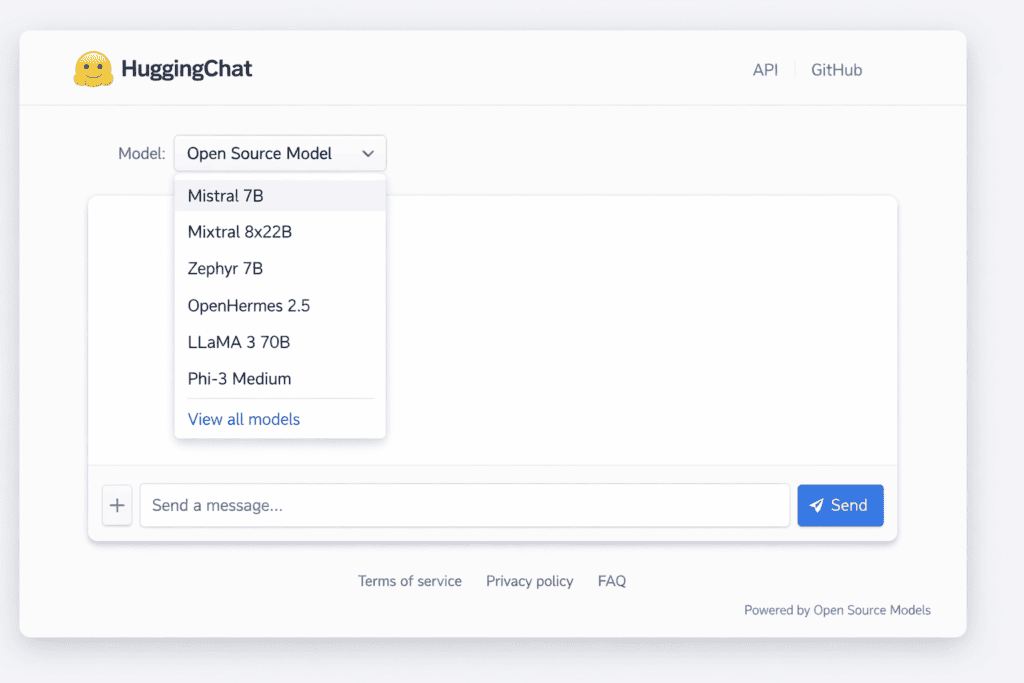
Price: Completely free Best for: Open-source advocates, privacy-conscious users, developers Our rating: ⭐ 8.0/10
HuggingChat is Hugging Face’s free, open-source chatbot. No premium tier, no usage caps, no data collection. It gives you access to some of the best open-weight models — including Llama and Mistral — without spending a cent.
What We Like
- ✅ 100% free with no limits. No premium tier, no usage caps, no hidden costs.
- ✅ Open-source transparency. You know exactly what model is running and how it processes your data.
- ✅ Multiple model options. Switch between Llama, Mistral, and other leading open-source models.
- ✅ No data collection. Your conversations are not used for training — complete privacy.
What Could Be Better
- ❌ Quality doesn’t match frontier models like Claude or GPT-5
- ❌ No multimodal capabilities (text only)
- ❌ Interface is basic compared to commercial options
- ❌ Limited conversation memory and context retention
Pricing
| Plan | Price | Key Features |
|---|---|---|
| Free | $0 | Full access, multiple models, no limits |
Who Should Use HuggingChat?
Developers, open-source advocates, privacy-conscious users, and anyone who wants a capable free AI chatbot with zero strings attached.
10. Manus AI — Best for Autonomous Task Execution
Price: Starting at $39 per month Best for: Multi-step task automation, autonomous workflows Our rating: ⭐ 8.0/10
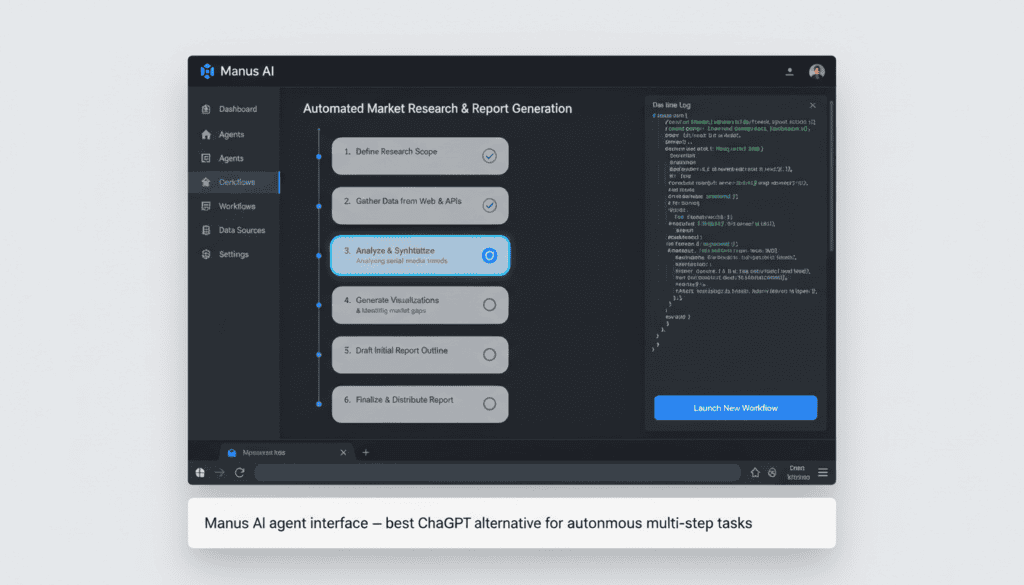
Manus AI represents the next wave of AI — not just chatbots that answer questions, but agents that actually complete complex tasks for you. Give it a multi-step assignment and Manus breaks it down, plans the execution, and handles each step autonomously.
What We Like
- ✅ Autonomous multi-step execution. Hand off complex tasks and Manus plans, executes, and delivers results.
- ✅ Web browsing and interaction. Can navigate websites, fill forms, extract data, and gather research automatically.
- ✅ Task planning and reasoning. Excels at workflows that would take you hours to complete manually.
- ✅ Unique capability. No other tool on this list offers this level of autonomous task execution.
What Could Be Better
- ❌ Premium pricing with no free tier — $39/month is steep
- ❌ Still early-stage — can be unreliable on very complex or niche tasks
- ❌ Not a general-purpose chatbot — limited to task-oriented workflows
- ❌ Learning curve to understand what tasks it handles well
Pricing
| Plan | Price | Key Features |
|---|---|---|
| Starter | $39/mo | Limited task credits, basic automation |
| Pro | $99/mo | Higher limits, priority execution |
| Enterprise | Custom | Unlimited tasks, dedicated support |
Who Should Use Manus AI?
Power users and professionals who need to automate repetitive, multi-step workflows. This is not a ChatGPT replacement — it’s a workflow automation tool powered by AI reasoning.
11. Pi by Inflection — Best for Casual Conversation
Price: Free Best for: Emotional support, casual chat, daily reflections Our rating: ⭐ 7.5/10
Pi takes a completely different approach from every other tool on this list. Instead of trying to be the smartest or most capable, it focuses on being the most empathetic and conversational AI you’ll ever talk to.
What We Like
- ✅ Emotionally intelligent conversations. Pi excels at active listening, supportive dialogue, and thoughtful follow-up questions.
- ✅ Completely free. No premium tier, no usage limits, no paywalls.
- ✅ Clean, simple interface. Designed for pure conversation without distracting features.
- ✅ Great for daily check-ins. Many users treat Pi as a journaling or reflection companion.
What Could Be Better
- ❌ Not designed for productivity tasks, coding, or research
- ❌ Limited factual accuracy compared to frontier models
- ❌ No file upload, image generation, or advanced features
- ❌ Smaller knowledge base than competitors
Pricing
| Plan | Price | Key Features |
|---|---|---|
| Free | $0 | Full access, unlimited conversations |
Who Should Use Pi?
People looking for an empathetic conversational AI for daily reflections, brainstorming sessions, or simply a thoughtful companion. Not a productivity tool — and it doesn’t try to be.
12. You.com — Best AI Search + Productivity Combo
Price: Free / $15 per month (YouPro) Best for: AI-powered search, quick research, daily productivity Our rating: ⭐ 7.8/10
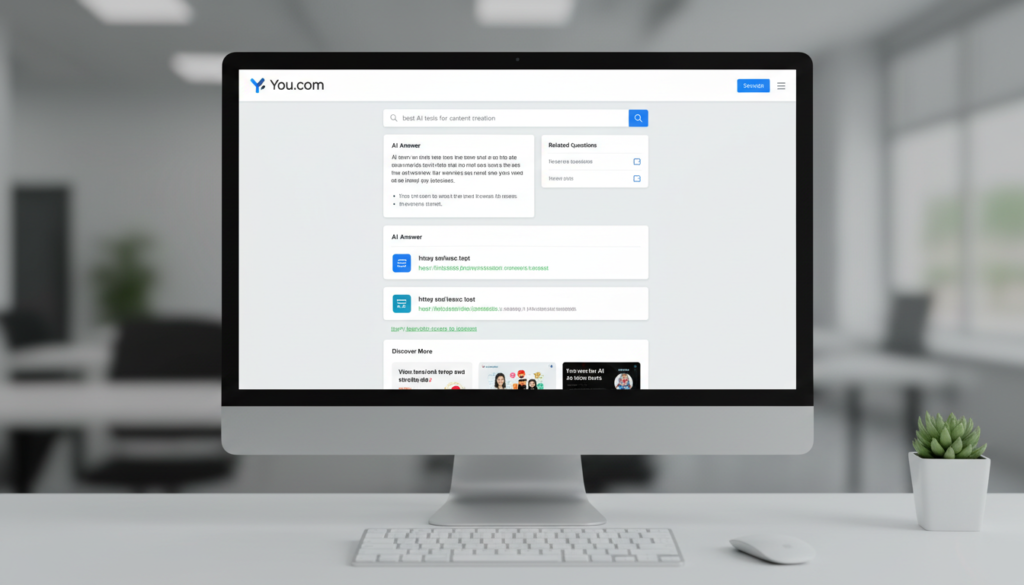
You.com blends traditional web search with AI-powered answers, creating a hybrid that’s surprisingly useful for quick research and daily productivity tasks.
What We Like
- ✅ AI-enhanced search results. Get AI summaries alongside traditional web results — best of both worlds.
- ✅ Multiple AI modes. Switch between Smart (fast), Genius (thorough), Research (deep), and Create (content) modes.
- ✅ Affordable pricing. At $15/month, YouPro offers solid value — cheaper than most competitors.
- ✅ Privacy-focused. You.com emphasizes user privacy and doesn’t sell your data to advertisers.
What Could Be Better
- ❌ Not as polished as Perplexity for serious research
- ❌ General AI quality doesn’t match Claude or ChatGPT for complex tasks
- ❌ Smaller user base means fewer community resources
- ❌ Brand recognition is low — many users haven’t heard of it
Pricing
| Plan | Price | Key Features |
|---|---|---|
| Free | $0 | Basic AI search, limited daily AI answers |
| YouPro | $15/mo | Unlimited AI answers, all modes, priority access |
Who Should Use You.com?
Casual researchers and productivity users who want AI-powered search without committing to a $20/month subscription. Great as a secondary tool alongside a primary AI assistant.
How to Choose the Right ChatGPT Alternative
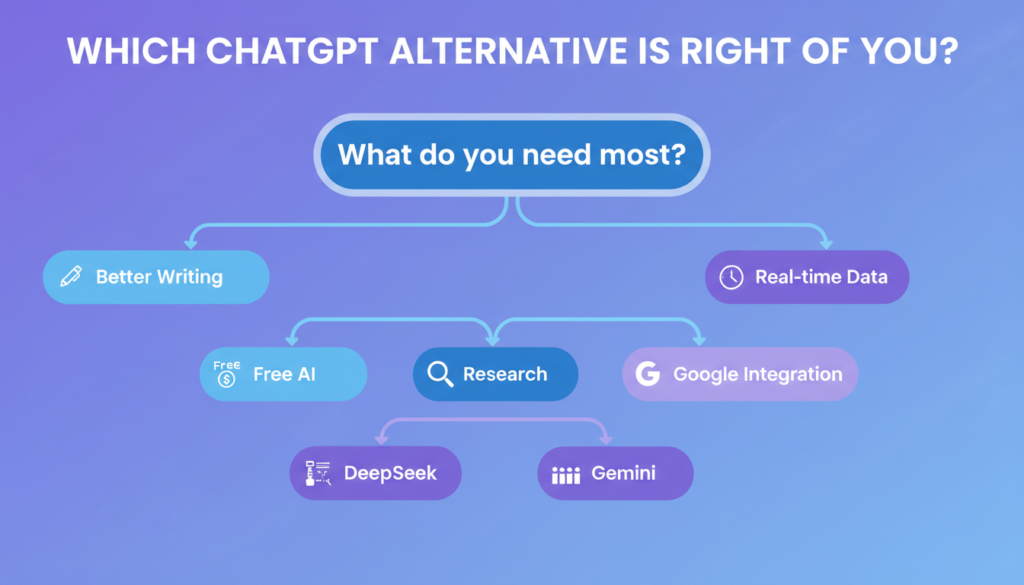
Still not sure which tool to pick? Here’s a simple decision framework:
Choose Claude if: You want the best overall quality for writing, coding, and analysis. Choose Gemini if: You live in Google Workspace and need seamless integration. Choose Perplexity if: Research accuracy and sourced citations are your top priority. Choose DeepSeek if: You want frontier-quality AI without paying anything. Choose Copilot if: Your daily work revolves around Microsoft 365 apps. Choose Grok if: You need real-time X/Twitter data and massive 2M token context. Choose Mistral if: European data privacy, speed, and low cost matter most. Choose Poe if: You want to test multiple AI models before committing.
Our “Starter Pack” Recommendations
For students: DeepSeek (free AI) + Perplexity (research with sources) For writers: Claude Pro ($20/mo) — no contest For developers: Claude Pro + DeepSeek API (powerful combo, minimal cost) For business pros: Gemini Advanced or Microsoft Copilot (ecosystem dependent) For researchers: Perplexity Pro + Claude free tier
Frequently Asked Questions
Is there a completely free ChatGPT alternative?
Yes — several good ones. DeepSeek offers the highest quality among free options with no usage caps. HuggingChat provides access to multiple open-source models for free. Pi is completely free for conversational AI. All three work without requiring any payment.
Which ChatGPT alternative is best for coding?
Claude leads the pack with a 92.1% HumanEval score and its dedicated Claude Code tool for agentic software development. DeepSeek is the best free coding alternative, consistently ranking near the top on programming benchmarks.
Can I use multiple ChatGPT alternatives together?
Absolutely — and we recommend it. Many power users combine Perplexity for research, Claude for writing and coding, and DeepSeek as a free backup. Poe also lets you access multiple models in one subscription for $19.99/month.
Are ChatGPT alternatives safe to use?
All major alternatives listed here have established privacy policies. For maximum data privacy, consider Mistral Le Chat (GDPR-compliant, EU servers), HuggingChat (open-source, no data collection), or self-hosted options like Ollama that run entirely on your own hardware.
Is ChatGPT still the best AI in 2026?
ChatGPT remains the most well-rounded AI assistant with the largest ecosystem of plugins, integrations, and features. However, Claude beats it in writing and coding quality, Perplexity is better for sourced research, DeepSeek matches it for free, and Gemini offers superior Google integration. The “best” AI depends entirely on your specific use case.
Final Thoughts
The AI assistant market in 2026 is the most competitive it has ever been — and that’s genuinely great news for users. You’re no longer locked into a single tool, and the quality gap between ChatGPT and its competitors has largely closed.
If we had to pick just one alternative, Claude Pro at $20/month is the single best ChatGPT replacement for overall quality. The writing is cleaner, the coding is sharper, and the ability to handle complex instructions is simply unmatched.
Our advice? Start with Claude’s free tier for writing and analysis, use Perplexity for research, and keep DeepSeek bookmarked as your free all-purpose backup. That combination covers 90% of what most people need — without spending a single dollar.
The best AI is the one that fits your workflow. Test a few options from this list, find what clicks, and don’t be afraid to use multiple tools for different tasks. That’s the real power move in 2026.
Last updated: April 2026. We test and update this guide monthly as new models, features, and pricing changes are released. Bookmark this page to stay current.